Mobile data use can grow quickly through video, automatic updates, cloud synchronization and background activity. A few device and application settings can reduce consumption without making the phone less useful.
Identify the main sources
Review data usage by application in the device settings. Focus on the largest consumers instead of restricting every service equally.
Control media quality
Lower streaming resolution when high definition is unnecessary, disable automatic video playback and download music, maps or episodes over Wi-Fi for offline use.
Limit background activity
Restrict background data for nonessential applications and schedule system updates, backups and photo synchronization for trusted Wi-Fi networks.
Use browser and application options
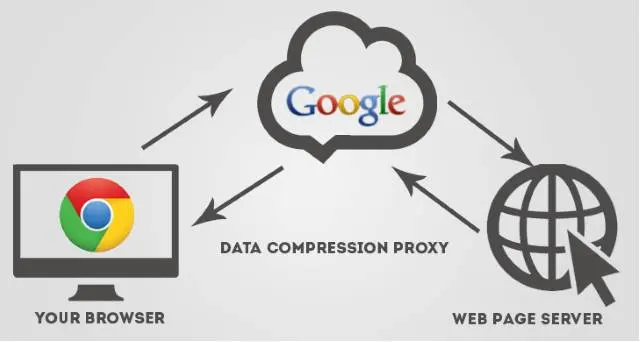
Some browsers and applications provide data-saving modes. Review what they change and whether traffic is processed through an external service.
Keep security in mind
Public Wi-Fi can reduce cellular use but may introduce privacy and security risks. Prefer trusted networks and keep devices updated.
Settings vary across systems and versions; consult current device documentation for exact steps.